

Writing a great first draft is only half the battle. When you finish typing your article, the text is often filled with minor typos, awkward phrasing, and structural flaws. If you publish content straight away without checking it, your readers will notice the mistakes, and search engines may penalize your readability score.
To ensure your blog posts look polished, professional, and completely error-free, follow these practical proofreading and editing tips for beginners.
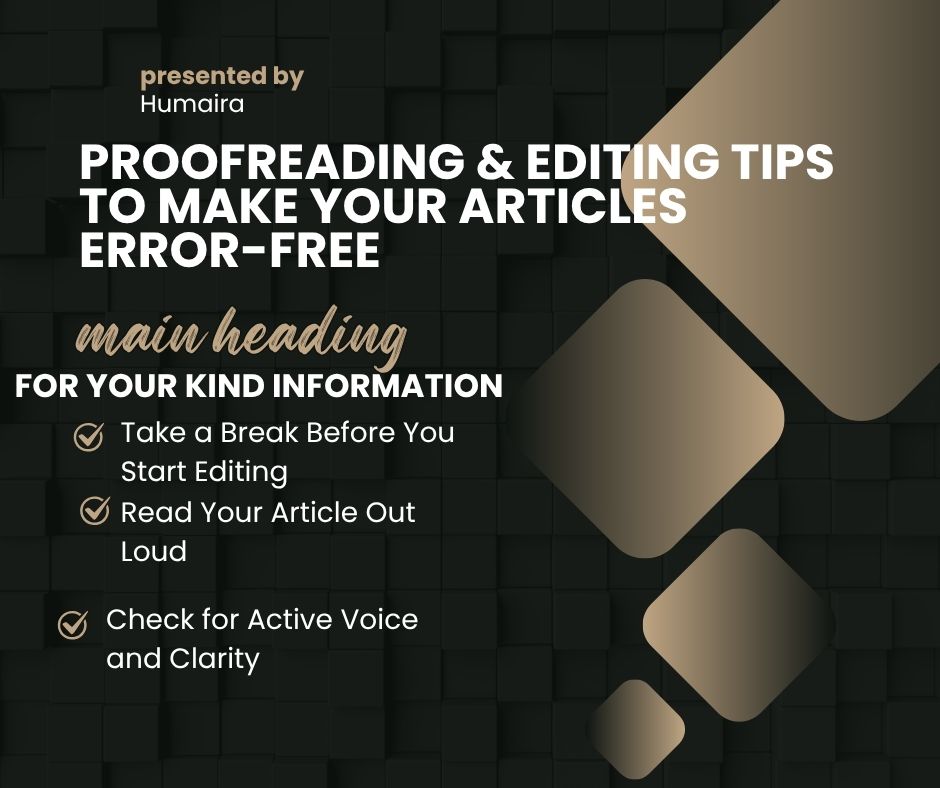
1. Take a Break Before You Start Editing
One of the biggest mistakes beginners make is trying to edit immediately after finishing their final sentence.
- Your brain is still too familiar with what you meant to write, making it easy to gloss over obvious mistakes.
- Step away from your screen for at least 30 minutes to clear your head.
- When you return with fresh eyes, typos and flow issues will stand out instantly.
2. Read Your Article Out Loud
Reading silently inside your head allows your brain to automatically fix awkward sentences. Reading out loud forces you to slow down.
- Speak every single word at a normal conversational pace.
- If you stumble, run out of breath, or find a sentence too complicated to say, your readers will too.
- Rewrite those clumsy sentences until they sound natural and smooth
3. Check for Active Voice and Clarity
Passive voice makes your writing sound robotic and dull. Professional editing involves changing passive statements into sharp, active ones.
- Look for hidden filler words (like just, very, really, or that) and delete them to make your sentences punchy.
- Keep your sentence lengths varied; mix a short, impactful sentence with a slightly longer explanatory one to create rhythm.
4. Leverage Formatting and Readability Tools
Even the best human writers miss small technical details. Utilizing digital editing assistants helps catch errors you might overlook.
- Run your text through tools like Grammarly or the built-in spell checker.
- Aim to keep your Yoast SEO readability score in the green zone, ensuring short paragraphs and smooth transitions.
- Double-check your H2 and H3 heading tags to make sure they are properly structured.
5. Do a Final Pass Specifically for Formatting
Before you hit the publish button on WordPress, look at how your article actually looks on the page.
- Make sure no paragraphs are longer than three lines.
- Check that your bullet points are clean and your bold text highlights key takeaways effectively.
- Ensure your image alt text, meta description, and tags are fully added.
Conclusion
Proofreading is the secret superpower that separates amateur writers from pros. By taking a quick break, reading your draft out loud, refining your sentence structure, and utilizing editing tools, you will consistently produce error-free content that keeps your readers engaged!