

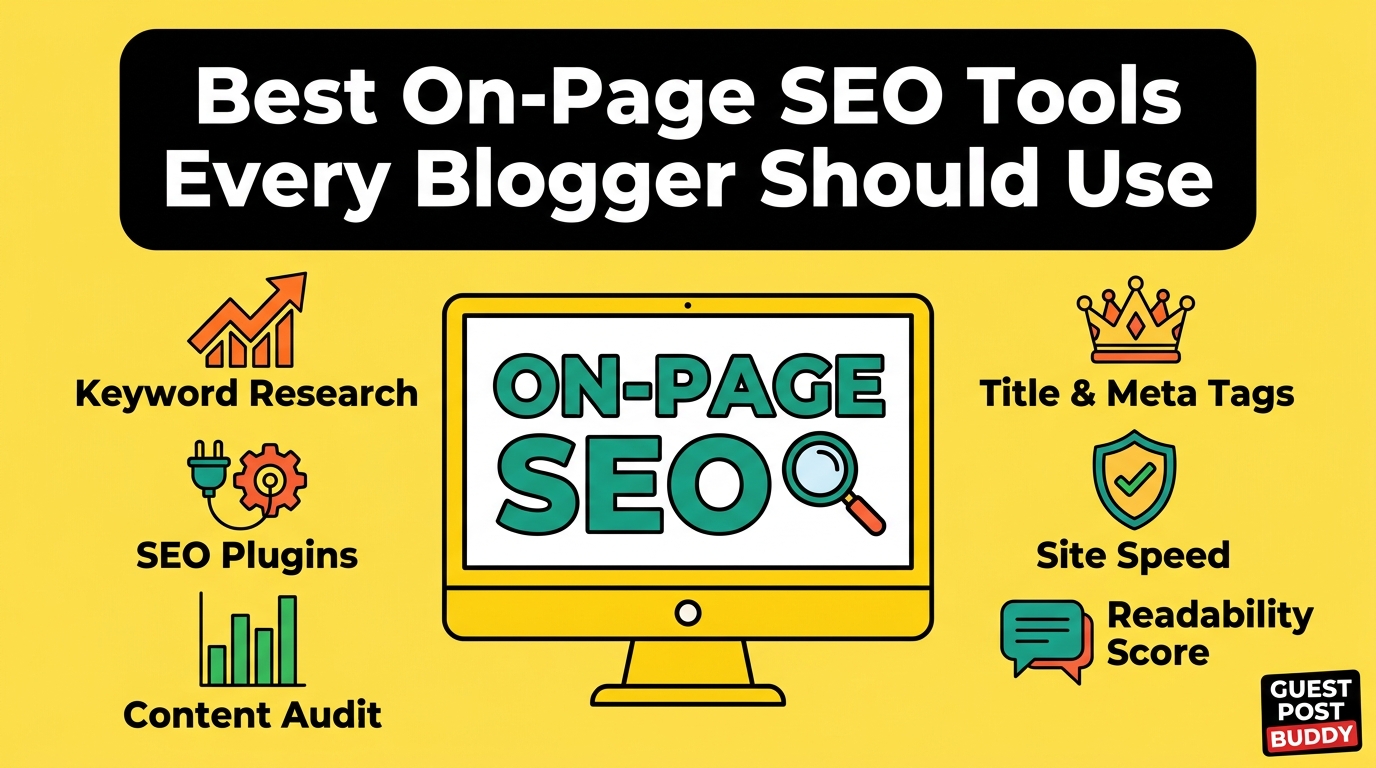
If you’ve been blogging for a while, you already know that writing great content is only half the battle. The other half? Making sure people can actually find it on Google.
That’s where on-page SEO comes in — and more importantly, the tools that help you do it right.
I’ve been writing and publishing content for years, across niches ranging from personal finance to lifestyle and technology. And I’ll be honest with you: when I first started, I was doing on-page SEO completely wrong. I was stuffing keywords, ignoring meta descriptions, and wondering why my blog posts were invisible on search engines.
Then I found the right tools. My traffic changed. My rankings improved. And more people started reading what I worked so hard to write.
In this article, I’m going to walk you through the best on-page SEO tools every blogger should use — not just a list of names, but real, honest guidance on what each tool does, who it’s for, and why it matters to your blog’s success.
Let’s get into it.
What Is On-Page SEO and Why Should Bloggers Care?
Before we dive into the tools, let’s make sure we’re on the same page (no pun intended).
On-page SEO refers to everything you do on your own website to improve your chances of ranking higher in search engines like Google. This includes things like:
- Choosing the right keywords
- Writing strong title tags and meta descriptions
- Structuring your content with proper headings (H1, H2, H3)
- Making sure your images have alt text
- Improving your page loading speed
- Linking to relevant content internally
Unlike off-page SEO (which involves getting other websites to link to you), on-page SEO is completely within your control. That’s the beautiful part. You don’t need to wait for anyone else. You just need the right tools and the right strategy.
And as a blogger — whether you’re writing as a hobby or building a serious income stream — getting your on-page SEO right is what separates the blogs that grow from the ones that stay stuck at zero visitors.
1. Yoast SEO (Best for WordPress Bloggers)
If you run your blog on WordPress, Yoast SEO is probably the first tool you’ll ever install — and it’s still one of the best.
I’ve used Yoast for years. It sits right inside your WordPress editor and gives you a real-time analysis of your content as you write. It tells you whether your focus keyword appears enough times, whether your meta description is the right length, how readable your writing is, and whether your images have alt text.
The colour-coded system (red, orange, green) makes it beginner-friendly. You’re always aiming for that green light.
What I love about it:
- Simple and easy to understand, even for complete beginners
- Gives readability scores alongside SEO scores
- Automatically generates XML sitemaps
- Works well with almost every WordPress theme
The free version is solid, but if you upgrade to Yoast Premium, you get internal linking suggestions, redirect management, and the ability to target multiple keywords — features that become genuinely useful as your blog grows.
Best for: WordPress bloggers who are just starting out or want a reliable all-in-one plugin.
2. Rank Math (The Rising Star)
In the last few years, Rank Math has given Yoast some serious competition — and honestly, in many ways it wins.
Rank Math is also a WordPress plugin, but it packs far more features into the free version than Yoast does. You get keyword tracking, rich snippet support (which makes your posts look better in Google search results), Google Search Console integration, and a detailed SEO score for each post.
The interface is clean and the setup wizard makes it easy to get started even if you’ve never touched SEO before.
What makes Rank Math stand out:
- Target up to 5 keywords per post on the free plan
- Built-in schema markup (rich snippets) support
- Tracks how your posts rank directly inside WordPress
- Integrates with Google Analytics and Search Console
I switched one of my blogs to Rank Math last year and I was impressed by how much data it gave me without paying a penny.
Best for: Bloggers who want more features for free and don’t mind a slightly steeper learning curve than Yoast.
3. Google Search Console (The Non-Negotiable Tool)
This one is free, it comes directly from Google, and every single blogger should be using it. No exceptions.
Google Search Console shows you exactly how your blog is performing in Google search. You can see which keywords people are using to find your posts, how many times your pages appear in search results (impressions), how many people actually click through, and your average position in the rankings.
It also alerts you to technical problems on your site — things like pages Google can’t crawl, mobile usability issues, or pages that have been removed from the index.
I check Search Console at least twice a week. It’s one of the most valuable habit changes I made as a blogger.
Key features:
- Keyword and click data for every page on your blog
- Coverage reports to spot indexing issues
- Core Web Vitals performance data
- URL inspection tool to check individual pages
Best for: Every blogger, full stop. Set it up on day one and never ignore it.
4. Surfer SEO (For Data-Driven Content Optimisation)
If you’re serious about ranking and want to take your content to the next level, Surfer SEO is the tool that bridges the gap between writing and technical SEO.
Surfer analyses the top-ranking pages for your target keyword and tells you exactly what your content needs to compete — the ideal word count, the headings you should include, the keywords that appear in competing articles, the number of images, and much more.
Think of it like having a detailed blueprint before you write. Instead of guessing what Google wants to rank, you’re working with real data.
What I found most useful:
- The Content Editor gives you a real-time optimisation score as you write
- Keyword density suggestions based on what’s already ranking
- SERP analyser shows you exactly who you’re competing with
- Works well for bloggers who publish regularly and want consistency
Surfer SEO is a paid tool, but for bloggers who rely on organic traffic as their main source of income, the investment tends to pay off quickly.
Best for: Intermediate to advanced bloggers who want to reverse-engineer what’s already working on Google.
5. SEMrush (The All-In-One Powerhouse)
SEMrush is one of the most comprehensive SEO platforms available, and while it does far more than just on-page SEO, its on-page features alone make it worth mentioning.
The SEO Writing Assistant in SEMrush lets you paste in your content and get recommendations based on your target keyword and the top 10 results in Google. It checks tone of voice, readability, originality (plagiarism check), and keyword usage — all in one place.
There’s also an On-Page SEO Checker that gives you a prioritised list of improvements for each page on your blog. It looks at things like your title tags, content length, missing structured data, and backlink opportunities.
Standout features for bloggers:
- Keyword Magic Tool for finding the right keywords before you write
- On-Page SEO Checker with actionable, prioritised suggestions
- SEO Writing Assistant (available as a Google Docs and WordPress add-on)
- Competitor content gap analysis
SEMrush isn’t cheap, but it offers a free account with limited daily searches — enough to get a feel for the platform before committing.
Best for: Bloggers who are ready to treat their blog like a business and want a full suite of SEO tools in one place.
6. Ahrefs Webmaster Tools (Free and Incredibly Powerful)
Ahrefs is known mostly for its backlink analysis, but its free Webmaster Tools plan gives bloggers access to some genuinely powerful on-page insights at no cost.
With Ahrefs Webmaster Tools, you can crawl your entire blog and get a list of SEO issues — broken links, missing meta descriptions, pages with duplicate title tags, slow-loading pages, and more. You also get keyword data showing which terms your pages rank for and how much traffic they’re estimated to bring in.
For a free tool, the depth of data it provides is remarkable.
What you get for free:
- Full site audit with on-page SEO issue detection
- Keyword rankings for all your pages
- Backlink data (useful even for on-page decisions, like internal linking)
- Performance comparison over time
Best for: Bloggers who want in-depth technical on-page analysis without paying for a full Ahrefs subscription.
7. PageSpeed Insights and Core Web Vitals
Here’s something many bloggers overlook: page speed is an on-page SEO factor.
Google’s algorithm uses Core Web Vitals — which measure how fast and stable your pages load — as a ranking signal. If your blog loads slowly, not only will visitors leave before they finish reading, but Google will also rank you lower than faster competitors.
Google’s PageSpeed Insights is a free tool that analyses your blog’s speed on both mobile and desktop. It gives you a score from 0 to 100 and — crucially — tells you exactly what’s slowing you down and how to fix it.
Common issues bloggers face include:
- Uncompressed images (fix this with a plugin like ShortPixel or Imagify)
- Too many plugins loading unnecessary scripts
- No caching set up on the server
- Render-blocking JavaScript
You don’t need to be a developer to use this tool. The recommendations are written in plain English, and most of the fixes can be handled with simple WordPress plugins.
Best for: All bloggers, especially those whose blogs feel slow or whose mobile scores are low.
8. Screaming Frog SEO Spider (For Detailed Site Audits)
Screaming Frog is a desktop tool that crawls your blog the same way Google does, and shows you a full picture of your on-page SEO health.
It finds things like:
- Broken links (404 errors)
- Redirect chains
- Missing or duplicate title tags and meta descriptions
- Pages that are blocked from being indexed
- Thin content pages with very few words
The free version crawls up to 500 pages, which is more than enough for most bloggers. If your blog has grown beyond that, the paid licence is reasonably priced at around £149 per year.
I use Screaming Frog every few months as a health check for my blogs. It catches issues that are easy to miss when you’re focused on creating new content.
Best for: Bloggers with established sites who want to do thorough technical on-page audits.
9. Hemingway Editor (For Readability and User Experience)
This one is a little different from the others, but bear with me — because readability is an SEO factor that’s often underestimated.
Google measures how long people stay on your page. If your writing is too complex, too dense, or too difficult to follow, people leave quickly. That high bounce rate signals to Google that your content isn’t satisfying searchers — and your rankings drop.
The Hemingway Editor helps you write clearly. It highlights sentences that are too long, flags passive voice, identifies adverbs that weaken your writing, and gives you a reading grade level. The goal is to write at around a Grade 6–8 level — clear enough for almost everyone to understand.
It’s free to use in the browser, with a paid desktop app if you want offline access.
Best for: Bloggers who want their content to be easy to read, shareable, and genuinely useful to their audience.
10. Google Keyword Planner (Free Keyword Research)
Before you write a single word, you need to know what your audience is actually searching for. Google Keyword Planner — free with a Google Ads account — helps you find exactly that.
You can enter a topic and see related keywords, their monthly search volumes, and how competitive they are. For bloggers targeting low-competition keywords with decent search volume, this tool is a goldmine.
Combine Keyword Planner with Google Search Console data, and you’ll have a clear picture of what content to write next and how to optimise what you’ve already published.
Best for: Bloggers doing keyword research without a budget for paid tools.
Building Your On-Page SEO Toolkit: A Practical Approach
You don’t need all of these tools at once. Here’s how I’d suggest approaching it depending on where you are in your blogging journey:
If you’re just starting out: Start with Google Search Console, Yoast SEO or Rank Math, and PageSpeed Insights. These three tools alone will put you ahead of the majority of new bloggers.
If you’ve been blogging for 6–12 months: Add Ahrefs Webmaster Tools and the Hemingway Editor. Start doing regular content audits and fix any on-page issues you find.
If you’re running a serious blog or content business: Consider investing in Surfer SEO or SEMrush. At this stage, the data-driven approach pays dividends and the tools will likely earn back their cost in traffic value.
Final Thoughts
On-page SEO doesn’t have to be overwhelming. The tools in this list exist to make your life easier — to take the guesswork out of optimisation and replace it with real data and clear actions.
What matters most isn’t having every tool on this list. What matters is using the ones you have consistently. Check your Search Console regularly. Optimise your posts before you publish them. Fix broken links when they appear. Keep your pages fast and your writing readable.
Do those things well, and your blog will grow. It really is that straightforward.
The bloggers who succeed long-term aren’t the ones with the biggest budgets or the most tools. They’re the ones who take on-page SEO seriously, stay consistent, and keep learning.
Start with one tool today. Build the habit. And watch what happens to your traffic over the next few months.